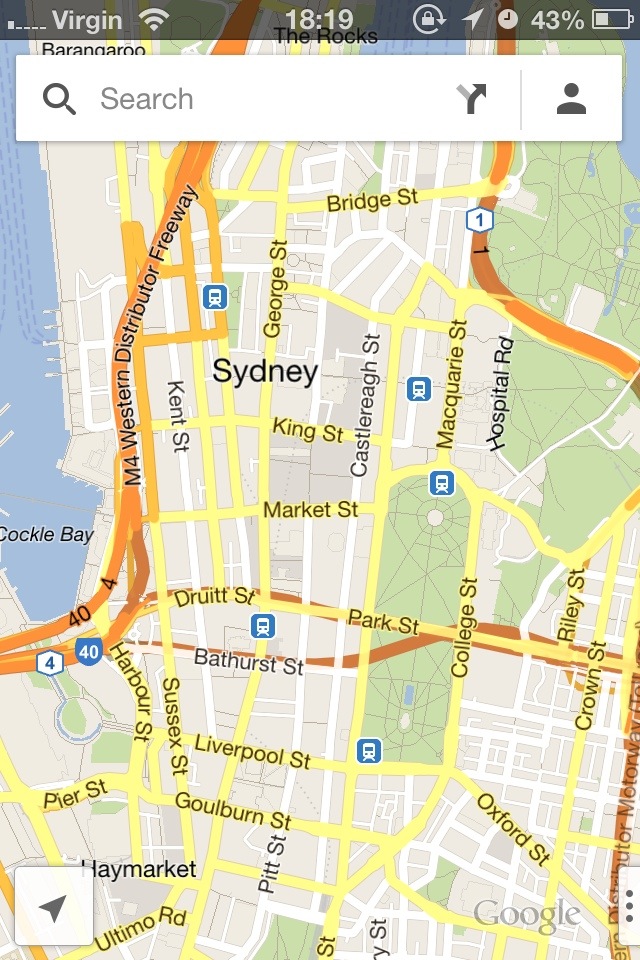
The official Google Maps for iPhone came out today! I’m pretty excited.
Apple maps wasn’t so bad, if you live in California and possibly inner-city China. I thought the design of Apple Maps was pretty great, I liked the layout of the directions and how you could swipe across to see the next step of your journey. The only problem with it in Australia was that you couldn’t see major landmarks until you zoomed in pretty much as far as it goes… and you couldn’t search for business names or types and actually find anything useful… and it told you to do things that are illegal and therefore dangerous in New South Wales (like u-turns at lights)… and it sometimes told you to do impossible things like turn into a street from a cul-de-sac end… oh, and it got people so lost that they needed police assistance.
Yes, Google Maps had a couple of those problems (like the cul-de-sac one) in the early days, but why didn’t Apple learn from Google’s mistakes and do more testing before making such a drastic change?
I’m not sure what this release means for Apple Maps. Perhaps some good samaritans, or folks who don’t download a lot of apps, will still use it and report problems back to them. Perhaps I will be a good samaritan and compare directions and report problems to Apple occasionally. What do you think Apple will do? Will they ditch their maps app like they did their YouTube app? It seems a shame after all the work they put in, but all that work wasn’t quite enough.